For eight modules we have built a system for people: a shared language, tokens, components, discipline. In 2025 a second reader arrived. Coding agents (Claude Code, Cursor, the assistants inside your IDE) can now read a Figma file directly, turn it into code, and push code back into Figma. This is not a demo trick. Figma shipped the plumbing for it and real product teams run it in production. But the gap between the marketing reel and the daily reality is wider here than anywhere else in this course, and the point of this lecture is to describe that gap honestly rather than sell you the reel.
So the promise up front. Fact: the pipeline is real, it is generally available, and named public companies use it. Fact, equally load-bearing: the dominant practitioner verdict is not automation. It is "the agent gets you 70 to 90 percent of the way, then you finish by hand", and even that only holds for teams with a mature, well-documented system. Both are true at once. Keep them together and this lecture will serve you. Drop either and you will either dismiss a genuine shift or over-promise it to a client. Everything below is engineering, with opinion flagged as opinion.
The MCP round-trip: read design, write code, write design
The connective tissue is the Model Context Protocol (MCP), an open standard for handing structured context to an AI model, and specifically Figma's Dev Mode MCP server. Fact: it entered beta on 4 June 2025 and reached general availability at Figma's Schema conference in October 2025 (a remote server, mcp.figma.com, followed in September 2025 alongside the local one). Once it is running, your coding agent can call a small set of tools against a selected Figma node.
Think of it as two directions across one bridge.
Read side (design to code). The agent asks Figma what a selected frame actually is, in structured form, instead of guessing from a flat screenshot. The core read tools:
- get_design_context: the structured description of the selected node: layer tree, layout, properties, and any descriptions or annotations attached.
- get_variable_defs: the variables (tokens) in play on that node, by name and value. This is what lets the agent emit
color-bg-brandinstead of a raw hex. - get_code_connect_map: the mapping from Figma components to your real code components, when Code Connect is set up (see below). This is the accuracy multiplier.
- get_screenshot: a rendered image of the node, so the agent has the visual alongside the structure.
Write side (code to design). The same server exposes generation tools (use_figma and generate_figma_design) that let an agent create or edit design in Figma from code or from an intent, using your existing components and variables rather than inventing new rectangles. Most people forget this direction exists: your app code becomes the source, and Figma is regenerated to match.
The round-trip is the whole idea. Design is no longer only a human artefact that developers translate. It is a structured document a machine can both read from (to write your components) and write to (to keep the design in sync with shipped code). The quality of both directions is set entirely by how well-formed your file is.
Rate limits are a real design constraint
Fact: the server is metered, and the tier gap is enormous. Starter sits around 6 calls per month, which is a taste rather than a workflow. Professional allows roughly 15 calls per minute, Organization about 20 per minute, and Enterprise around 600 per day. Opinion, grounded in those numbers: the agentic pipeline is a paid-seat feature. If a client is on Starter and expects to "let the AI build the screens," the limits alone rule it out. Budget for a Dev or Full seat before you budget for the workflow.
Code Connect: the accuracy multiplier
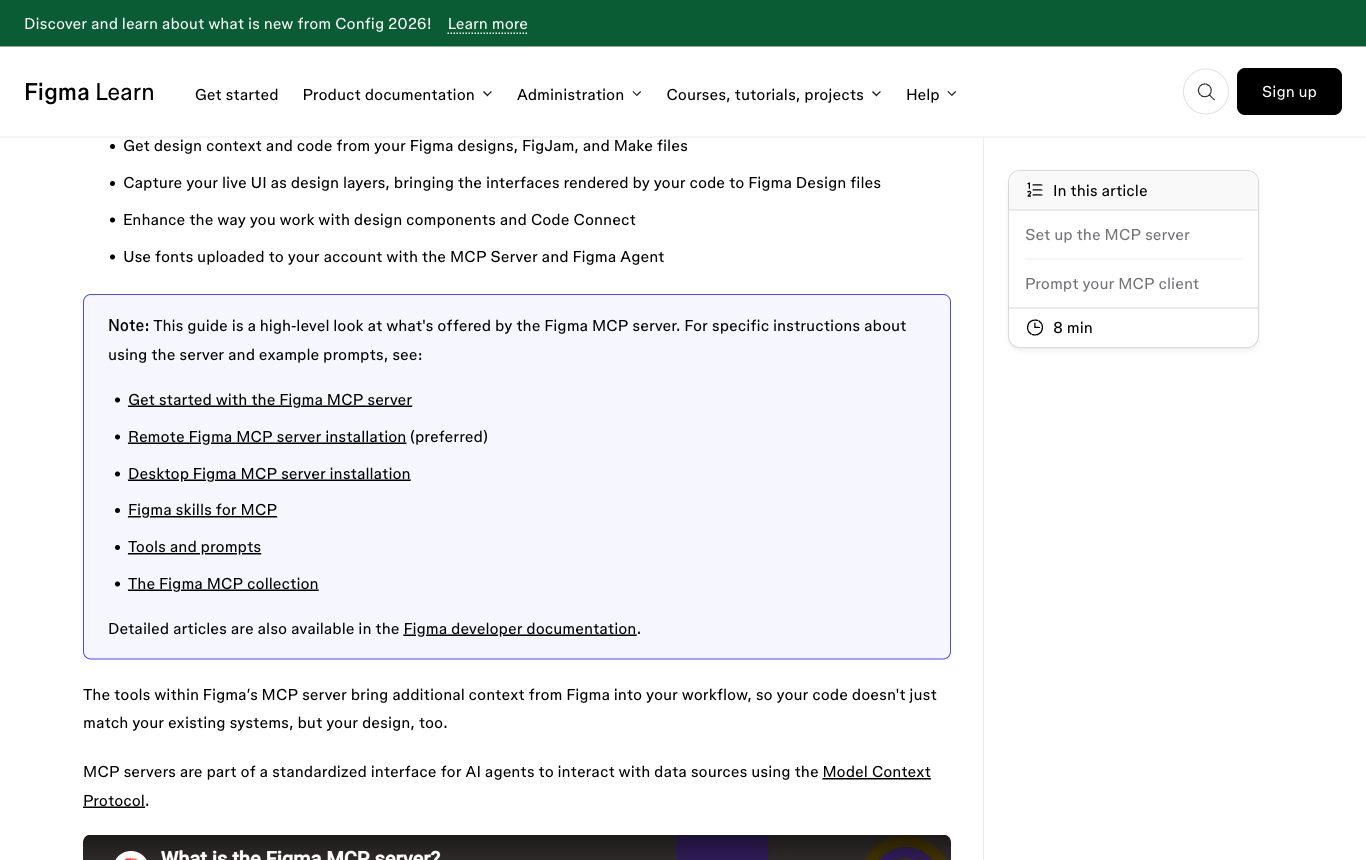
Here is the single most important engineering fact in this lecture, and the one most tutorials skip. The MCP server can describe a design, but on its own it has no idea that your button is @rai/ui/Button imported from a specific path. Missing that, the agent falls back on its training data and generates plausible-looking but wrong markup: a fresh <div> with hand-written classes instead of your real component.
Code Connect closes that gap by mapping each Figma component to the real code component it represents. With it in place, the MCP server returns actual import paths and usage, and the agent writes <Button variant="primary"> pointing at your library. Without it, the agent is styling from scratch.
Fact, and the number to remember: without Code Connect, generated output shows roughly 85 to 90 percent styling inaccuracy against the intended design system. The agent reproduces the look by guessing values, not by using your components. Code Connect is not a nice-to-have on top of the pipeline; it is the thing that makes the pipeline produce your code instead of generic code.
There are two ways to author it, and the choice matters.
| Dimension | UI mappings | CLI mappings (.figma.ts) |
|---|---|---|
| Availability | Organization / Enterprise | Any plan |
| How you author | In Figma, with GitHub-sourced AI-suggested mappings | Code files in your repo, committed alongside components |
| Type safety | Lighter; suggestion-driven | Type-safe; props map explicitly to Figma properties |
| What the agent gets | Real component reference | Real, type-checked snippet with your actual prop names |
Fact: Code Connect is not free to set up. Real reports put the initial coverage effort at roughly 40 to 80 hours for a system of meaningful size. That is engineering time spent writing and maintaining .figma.ts mappings, keeping them in step with the components, and covering the primitives. Opinion: clients underestimate this line item more than any other, and it is the one that decides whether the whole pipeline pays off.
Agent-legibility: how to make a file a machine can read
The pipeline's output quality is set by your file, not by the agent. A messy file reliably produces messy code, and a well-formed file reliably produces usable code. What follows is a practical checklist for making a system legible to an agent. Each item is a concrete file decision, not a vibe.
| Do this | Because the agent will otherwise… |
|---|---|
| Expose semantic tokens; HIDE primitives from the agent-facing surface | emit hardcoded hex pulled from its training data. If it can see raw primitives it will inline them; if it can only see color-bg-brand, it uses the token. |
Use verbose, intent-revealing names (space-inset-md, not s2) | guess the intent and pick a generic name. The MCP passes your names straight through, so the name is the API. |
| Clean component APIs: props map 1:1 to states, full state coverage, PascalCase | invent props or miss states. If your Figma props mirror your code props exactly, the mapping is trivial. |
| Auto Layout everywhere | fall back to absolute pixel positions. Auto Layout maps 1:1 to CSS flexbox; a hand-placed frame maps to w-[37px] nonsense. |
| Descriptions on components and variables | lack intent it cannot see. The MCP passes descriptions as context, so a one-line "use for destructive actions only" reaches the agent. |
| Code Connect coverage of the primitives | style from scratch (the 85 to 90 percent inaccuracy above). |
An AGENTS.md rules file in the repo: no hex, no primitives, semantic tokens only | drift toward hardcoded values on its own initiative. The rules file is a standing instruction the agent reads every run. |
This list is almost identical to the discipline the course has taught for its own sake: semantic tokens over primitives, verbose names, clean component APIs, Auto Layout, descriptions. Opinion, but a considered one: agent-legibility is not a new skill. It is the same craft that makes a system good for humans, now with a second, unforgiving reader that punishes shortcuts immediately. A machine-legible system is just a well-built system. There is no separate "AI mode."
The honest reality: the 70-to-90 percent ceiling
This is the core of the lecture, the part that separates it from every hype thread you will read. Everything above is real and worth doing, and the result, done well, is still not automation. Let the practitioners speak in their own numbers.
Fact (self-reported by the teams, not independent studies): the completion rates people cite cluster in a narrow band. Monday.com reports 70 to 90 percent of a component's code generated before hand-finishing. Shopify reports around 80 percent. Ramp reports around 70 percent. These are the companies' own figures, presented as encouraging, and they all describe the same shape: a strong first draft, then a human finishes it. Important caveat: treat these as vendor-adjacent testimony rather than benchmarks. There is no peer-reviewed measurement here, and "percent complete" is nobody's shared standard.
The most quoted practitioner formulation of the ceiling, and the mental model to keep:
Claude Code is a superb front-end engineer and a blind designer.
Practitioner formulation, widely repeated in 2025-26 reportsOpinion, but the most accurate one-liner in circulationUnpack it, because it is exactly right. The agent writes correct, idiomatic CSS and component code, which is the engineer. It cannot see the rendered result, which is the blind part. It does not know that the spacing looks cramped, that the focus ring is invisible on your brand background, or that the empty state reads as broken. It reasons from structure, not from sight, so it produces code that is syntactically excellent and visually unverified. The human is not a fallback for a weak tool. The human is the eyes.
Where the last 10 to 30 percent actually goes
- Messy files produce messy code. Feed an unstructured file and you get
w-[37px], invented CSS, and one-off values with no relationship to your tokens. The pipeline does not clean up after you; it faithfully encodes your mess. - Accessibility output fails WCAG without follow-up prompting. Fact: generated markup routinely omits proper labels, roles, focus order, and contrast checks. The agent will add them if you ask, and usually will not if you do not. Never ship agent output as accessible by default.
- Security is a real surface. Fact: CVE-2025-53967 (CVSS 7.5) was a remote-code-execution flaw in a third-party Figma MCP package. It has been patched, but it is a standing reminder that pointing an agent-driven server at your repo and browser is a trust decision, not a neutral convenience. Vet the server you run.
- Setup is real work. The 40 to 80 hours of Code Connect coverage is not a one-time cost you can skip; without it you are back to the 85 to 90 percent inaccuracy.
- It pays off only for the mature. Opinion, but well-supported: the pipeline rewards teams that already have a documented, tokenized, cleanly-built system and a paid Dev seat. For everyone else it amplifies existing disorder faster than they can fix it.
The panel: hype versus practitioner reality
Set the two narratives side by side. Your client has almost certainly heard the left column and needs to hear the right.
| The hype narrative | The practitioner reality |
|---|---|
| "AI turns Figma into production code automatically." | 70 to 90 percent of a draft, then finish by hand. Self-reported by the teams using it (Monday.com, Shopify, Ramp). |
| "Point it at any file and go." | Only mature, documented, tokenized systems produce clean output. Messy files produce w-[37px] and invented CSS. |
| "It designs for you." | Superb front-end engineer, blind designer. Correct CSS, cannot see the render. The human is the eyes. |
| "It's accessible out of the box." | Output fails WCAG without explicit follow-up prompting. |
| "Free and instant." | Paid Dev seat, metered rate limits, and roughly 40 to 80 hours of Code Connect setup. |
| "Just plug in the MCP server." | CVE-2025-53967 (RCE, CVSS 7.5, patched) shows the server is a trust boundary to vet. |
Who is actually doing this, honestly. Fact: named public users include Shopify, Grab, Huolala, Monday.com, Affirm, Coinbase, and Figma itself. Look at the character of the evidence, though. Most agencies publishing on the topic (Grafit, Bitovi among them) put out honest test reports, "here is what worked and what broke," rather than triumphant finished case studies. Opinion: that pattern is itself the signal. When the people closest to the tooling publish caveats instead of victory laps, the caveats are the story.
How to position this for a client in 2026
Opinion, but this is the through-line of the whole module. The agentic layer is not a reason to build a design system, and it is not a shortcut around building one well. It is a return on having built one well. If a client asks whether they should adopt the AI pipeline, the honest answer is a sequence: first have a mature, tokenized, cleanly-named, Auto-Layout, well-described system; then buy the Dev seats; then invest the Code Connect hours; then expect a strong first draft that a human finishes and verifies. Sold that way, it holds up. Sold as automation, it will embarrass you within a sprint.
The agent is a superb front-end engineer and a blind designer: with a mature system and Code Connect it drafts 70 to 90 percent of your components, and a human still has to be the eyes for the rest.