
You can build a flawless token pipeline, a beautifully architected component library, and a multi-brand file that theming purists would weep over, and still fail completely. Here is what the failure looks like. Six months after handoff, feature teams are still copy-pasting old buttons, the Figma library has three published versions nobody trusts, and the only person who understands the system is you, and you are gone. This module is the antidote, and its two halves are really one idea: documentation exists to create adoption, and adoption is the only score that counts.
Adoption, not coverage, is the metric
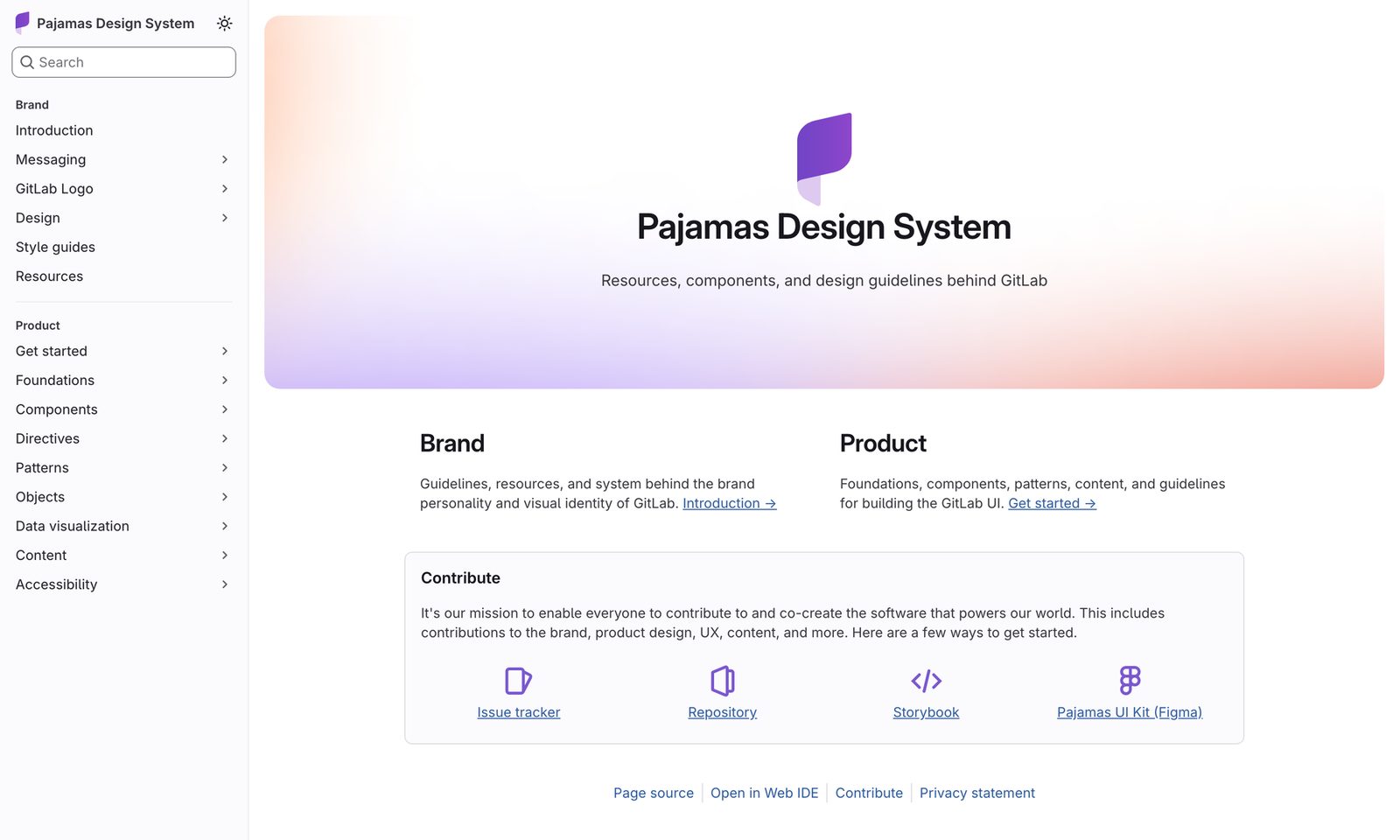
Dan Mall spends most of Design That Scales arguing against a seductive vanity metric: coverage, the percentage of an interface built from system components. Teams fixate on it. They chase 100% and call anything less a failure. Mall walks the United Airlines homepage as a worked example, classifying every block as Atmos (their system) or not, and lands on a number most people find shockingly low as an ideal.
Some organizations seem to strive for an ideal that, once a design system exists, everything in an interface can and should be built with it. Not only is that an unrealistic goal for most enterprises, but it can often be a toxic mindset to think that anything less than 100% coverage is a misuse of a design system at best or an utter failure at worst.
Dan Mall“Design That Scales”, 2024 · Chapter 9, Design System CoverageHis actual targets are deliberately humble. Aim for up to 80% of a page from system components, on the Pareto principle, and treat 80% as a ceiling rather than a floor. The remaining 20% is where invention lives. The starting target is smaller still: 10%, working up to 80% over a year or two. And when even 10% is too much, his advice gets famously literal:
For a more attainable starting point, try to get one component adopted by a few feature teams simultaneously... I often suggest a plain neon green box, like a <div> with a width, height, and background color. You might think I'm joking, but I'm not! Once the hurdle of getting something from one codebase imported into another is crossed, it's easier to iterate into more, better, and higher quality components than it is to try and create a perfect one the first time around.
The humility has a reason behind it. Coverage is a symptom; adoption is the disease you actually want to catch. Mall walks the whole chain of common metrics, efficiency (less design and engineering time, faster to market, fewer bugs, less QA) and consistency (redundant CSS falling, measured with tools like CSS Stats), and then collapses them into one thing:
Ultimately, all of these indicators for efficiency and consistency point to one thing, the holy grail of design system success: adoption. Design system adoption is when feature teams choose to use the design system's components to create their feature or product's interface. The more teams that adopt your design system, the better the experience becomes for your customers, which, in turn, is better for the organization, too.
Dan Mall“Design That Scales” · Chapter 9, Success MetricsLook at the word choose. Adoption is a voluntary act by a team you do not manage, and that single fact reframes everything about documentation and evangelism. You are not enforcing compliance. You are lowering the cost of a decision other people make freely.
Measuring the thing that matters is genuinely hard
Mall is honest that adoption resists measurement in a way coverage does not. Coverage you can eyeball from front-end HTML (inspect United's page for any class starting with atm-). Adoption needs instrumentation.
Unfortunately, adoption is difficult to track. As of the date of this writing, the only viable design system analytics tool I've come across is Omlet, a tool for developers that measures component usage by analyzing your codebase. Otherwise, most of the adoption tracking tools out there have been custom created by and for the teams who have the bandwidth and expertise to build them.
Dan Mall“Design That Scales” · Chapter 9He names the field: Omlet, which parses your codebase to count real component imports; Segment's custom dashboard that tracks precisely which files import a component; and Figma's own Library Analytics (formerly Design System Analytics), which only sees how designers use connected components inside Figma, so it is a proxy for design adoption rather than shipped-code adoption. The practical takeaway is to build a code-side signal (import counts) and a design-side signal (Library Analytics insertions) and report both, because a component inserted in Figma but never imported in code is adoption theatre.
Nathan Curtis frames measurement as four topic areas, Product Adoption, Operating a Systems Team, Cultivating a Community, and Monitoring Product Improvement. Mall calls this “a great starting point… but it's table stakes.” His addition: past the generic four, find custom metrics that tie the system to a specific organizational goal, so leadership sees the system moving a number they already care about.
What good documentation actually contains
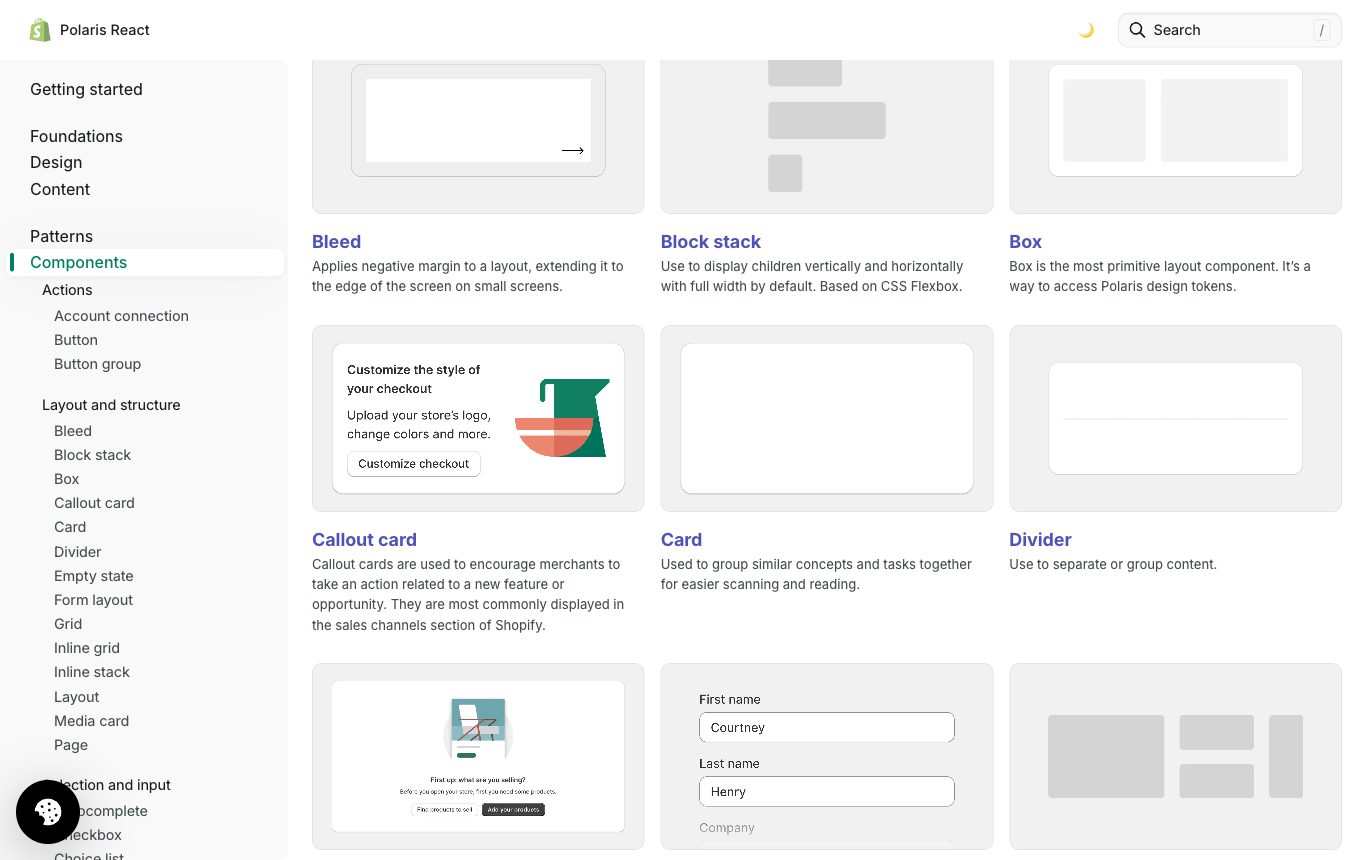
Docs are the cheapest, most scalable adoption tool you have. But teams overbuild them, freeze, and ship nothing. Kholmatova's guidance is to right-size ruthlessly and grow the docs later.
Although many things can be documented alongside each pattern, trying to cover everything right away is not feasible, especially for smaller teams. To see tangible benefits sooner, start with a lightweight overview of the main patterns.
Alla Kholmatova“Design Systems”, Smashing, 2017 · Pattern DocumentationFor functional patterns her starter set is just four fields: name, purpose, example (visual and code), variants. Each earns its place. The name should embody the purpose so someone can glean intent without reading the description. The purpose is where most docs fail, because people skip long descriptions and one or two sentences have to carry it. She contrasts Sipgate's original description of a “Showcase” component, “Use Showcase to present multiple types of information with a media file,” factually correct but purpose-blind and so ripe for misuse, against their improved practice on “Fact Grid”: “Fact Grid is a shortlist of facts or bits of interesting information. Use Fact Grid to give the reader an immediate impression about the upcoming content.” You can almost picture the component from the words alone. The example should be a living instance with code where possible, static or GIF where a state cannot be recreated live. And variants have to be shown as a suite, side by side, with the differences between them spelled out, which is the failure she calls out in Office Fabric, where every variant appears but nothing says how they differ.
The three-question template
The most portable artefact in the book is the description template FutureLearn used for every pattern submission. Three questions, nothing more:
There is an informal guide for writing a description for a pattern. It consists of three questions: What is it? What is it for? How does it achieve its purpose?
Alla Kholmatova“Design Systems” · Pattern Documentation, ContributionMemorise these. What is it? pins the name and category. What is it for? forces the purpose, the sentence that prevents misuse and duplication. How does it achieve its purpose? captures the usage rules that turn a shared vocabulary into a shared use of vocabulary, Kholmatova's central test from Lecture 1. The template works as a discipline rather than a form. It makes every contributor articulate purpose before they add a pattern, which is exactly the thinking a purposeless component kit lacks when it lands on your desk.
Right-sizing the tooling: who maintains it after you leave?
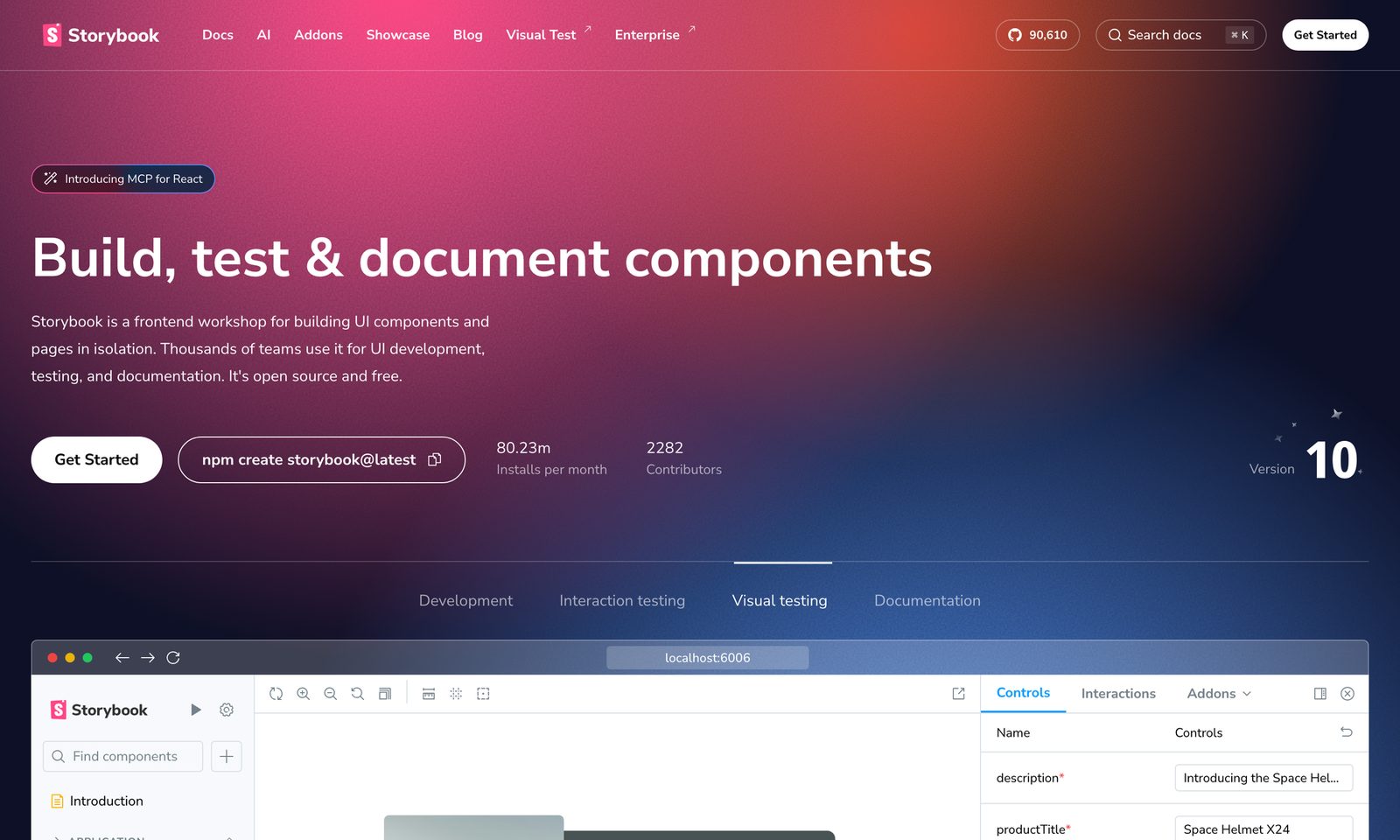
The most expensive documentation mistake is choosing a tool by its features instead of by its maintainer. Kholmatova's most liberating line is that the MVP is almost free:
A folder in Google Docs is like an MVP pattern library, the team can start using it as a reference right away. Once you have the content, it will be easier to figure out how the website for it should be designed and built.
Alla Kholmatova“Design Systems” · Getting Started with DocumentationFrom there, the decision rule is a single question: who keeps this synced after the founding team is gone? Every tooling tier answers it differently.
| Option | Who maintains it | Choose when |
|---|---|---|
| Google Docs folder (MVP) | Anyone; zero specialist skill | Day one, small team, no dedicated systems role. Prove value before you build a site. |
| Figma-native (component & variable descriptions, a docs cover page, Figma Sites) | The designers who already live in the file | Design-led org; you want docs to sit where the source of truth is, and to feed the MCP server (see below). |
| ZeroHeight (or similar) | A curator with light editorial time; syncs from Figma/Storybook | You need a polished public-facing site but no engineering budget to build one. Good for mixed design and content teams. |
| Storybook (living, code-generated) | Front-end engineers, in the codebase, forever | Engineering-led org with the discipline to keep stories current. Docs and the working code are the same artefact. |
Kholmatova warns that automation cuts both ways. CSS-parsing tools like KSS pull descriptions straight from code comments, which is elegant but “relatively simple but limited in functionality… can also lead to duplicate markup, which can make maintenance more time-consuming.” And she names the deeper trap from FutureLearn's own experience: their library did not let designers update module descriptions, “which in some way reduced their responsibility,” loading the whole documentation burden onto front-end developers “which at times felt like a burden.” The tool has to fit the natural workflow of the whole team, or ownership collapses onto whoever the tool happens to privilege. So pick the tool whose maintainer will still be in the building, working in a way they already work.
Adoption tactics that actually move the number
Documentation is passive. Adoption also needs active, human tactics. Kholmatova and Mall converge on a handful.
Make it part of induction. The most durable adoption gets installed the moment people arrive. “It's easier to introduce new employees to your design system if it's part of your induction process.” At Atlassian, new team members are “taken through the story of how the guidelines were created so they can understand why and how the decisions had been made.” At FutureLearn, Kholmatova's team built an internal online induction course with “a dedicated chapter about the pattern library, with quizzes and bite-size lessons.” Onboarding is the cheapest adoption you will ever buy, since the competing habit has not formed yet.
Office hours and community rituals. Mall observes that as a system matures, “extracurricular activities come into play: office hours, design system newsletters and Slack channels, public design system roadmaps.” Far from overhead, these are the surface where a feature team's blocker gets unblocked before it becomes a fork.
The pattern wall. A physical (or virtual) wall of printed screens with the prominent patterns labelled. Its value is social as much as informational: “Having a dedicated space also makes your system more open: people feel like they are welcome to join in, ask questions and contribute.” Kholmatova suggests ordering the printouts along your most common user journeys so naming conversations can happen with everything visible at once.
Partners, not police
The cultural core of adoption is a stance, and it decides whether people route around your system or through it. When contributions arrive, the systems team has to be seen as collaborators rather than gatekeepers.
We want to collaborate with teams as early as possible when they're thinking about developing new patterns and components. Our relationship with product teams should be a partnership, rather than a situation where someone goes away and does a bunch of work and then we either approve or veto it. If that happens, we're not doing our jobs very well.
Amy ThibodeauUX lead, Shopify · quoted in Kholmatova, “Design Systems”Mall arrives at the same place from the language a team uses about itself. If your Kanban board and job descriptions are full of create, generate, define, you see yourself as the authority and you are “in for an uphill journey in adoption.” If they gravitate to collect, curate, establish, that spirit “will serve you well and lay out a smoother path for others to want to use and contribute.” His sharpest adoption hack follows: include a component a reluctant team already made in the new system, so they feel they contributed it. “We want you to be part of this initiative, because you're already a part of it… that signal is a major driver of adoption.”
Curator versus producer: two contribution models
Once contributions flow, someone has to decide how patterns get in. Kholmatova names two models, and most mature teams end up blending them.
Curator. Contributions for new patterns come from all over the organization. The systems team defines the ways in which internal teams contribute, including setting requirements and the review process. If a submitted pattern doesn't meet the standards, the team encourages the designers and developers who created it to change it, rather than making the change themselves. The team at Atlassian follow this model.
Producer. With this approach the design systems team creates the majority of patterns. They accept submissions from across the company, but they have the final say over what is included, adjusted or removed. Airbnb uses this approach.
Alla Kholmatova“Design Systems” · Curator vs ProducerThe choice follows structure, not preference: “The curator role is usually suited to distributed teams with looser system structures, whereas producers are more common in stricter and more centralized systems.” A curator model scales adoption because contribution is the mechanism, so teams that build patterns own them. A producer model scales consistency because a central team guards coherence. Either way, Thibodeau's rule holds: partners, not police.
The 2026 twist: your descriptions are now double-duty
Everything above predates the agentic layer of Lecture 9, and one thing has changed materially since. In 2026 the component and variable descriptions you write in Figma are no longer read only by humans. Figma's Dev Mode MCP server exposes component and variable metadata, screenshots, code representations and content context to AI agents; annotations and dev resources are “surfaced to the MCP server as agent context… for anything not inferable from visuals.” With Code Connect wired up, the same server returns the real codebase import path for a component.
Concretely: the “What is it for? How does it achieve its purpose?” sentence you write in a component's Figma description is now the same sentence an AI agent reads to decide whether to reach for that component when generating a screen. Good usage docs are now literally part of the agent's context window. A component with a vague or empty description is both misused by humans and mis-selected by machines. Documentation and the token pipeline have merged into one interface with two kinds of reader.
All of which makes the field's chronic under-documentation newly expensive. Industry surveys of public design systems in 2026 find that only roughly a third of them, on the order of 37%, actually document usage guidelines at all, as opposed to merely showing the component. In the pre-agent era that was a quality gap. Now it is a functional one: a system that does not document usage cannot brief its own agents, and the teams that write disciplined three-question descriptions get a second return on the same keystrokes, better human adoption and better machine-generated code, from the exact same words.
The panel: how much documentation is right?
The authorities genuinely diverge here, and the divergence is the lesson. Kholmatova and Mall both lean lightweight and adoption-first: start with a Google Docs folder or one neon green box, prove value, grow the docs only as the team needs them, and never let documentation delay working software (Mall: a culture of “relentless focus on shipping working software” beats “a culture of documentation over software”). Nathan Curtis sits at the comprehensive pole: exhaustive, structured, measured documentation across his four topic areas, which fits large distributed enterprises where the docs are the coordination mechanism, mirroring the Airbnb DLS model Kholmatova describes, where an automated pipeline keeps a fully detailed guidelines site in perfect sync with the source. Josh Clark argues the opposite virtue: the best design-system docs are deliberately “boring” and heavily curated, since a small, opinionated, well-worn path beats a sprawling encyclopedia nobody reads, and every extra page is a maintenance liability and one more decision the reader has to make. The reconciliation is Kholmatova's original point about effectiveness. Right-size documentation to the team that has to maintain it and the purpose it serves. A five-person startup that ships a fifty-page docs site has optimised the wrong variable exactly as surely as an enterprise that ships a Google Doc.
- Chasing 100% coverage. Mall calls it a “toxic mindset.” The target is up to 80% as a ceiling, 10% as a start. The last 20% is where innovation lives, not where the system failed.
- Measuring coverage instead of adoption. Coverage is a symptom you can eyeball; adoption is the disease you want, and it needs real instrumentation (Omlet for code imports, Figma Library Analytics for design insertions). Report both.
- Over-documenting before shipping. Trying to document everything up front is “not feasible.” A Google Docs folder is a valid MVP. Delaying working software to write docs inverts the priority.
- Vague purpose descriptions. “Use Showcase to present multiple types of information” invites misuse and duplication. Run every pattern through What is it? / What is it for? / How does it achieve its purpose?
- Choosing tooling by features, not maintainer. A Storybook nobody on the remaining team can keep current is worse than a Google Doc they will. Pick the tool whose maintainer stays in the building.
- Policing contributions. Approve/veto gatekeeping kills adoption. Be partners, not police (Thibodeau). Curate or produce, but collaborate early.
- Empty component descriptions in 2026. A blank description now degrades both human adoption and AI agent output. Descriptions are double-duty context.
Documentation exists to lower the cost of the free choice a feature team makes to adopt you, so right-size the docs to the person who must maintain them, keep the purpose sentence sharp enough to brief both a human and an agent, and measure adoption, not coverage.